Kin
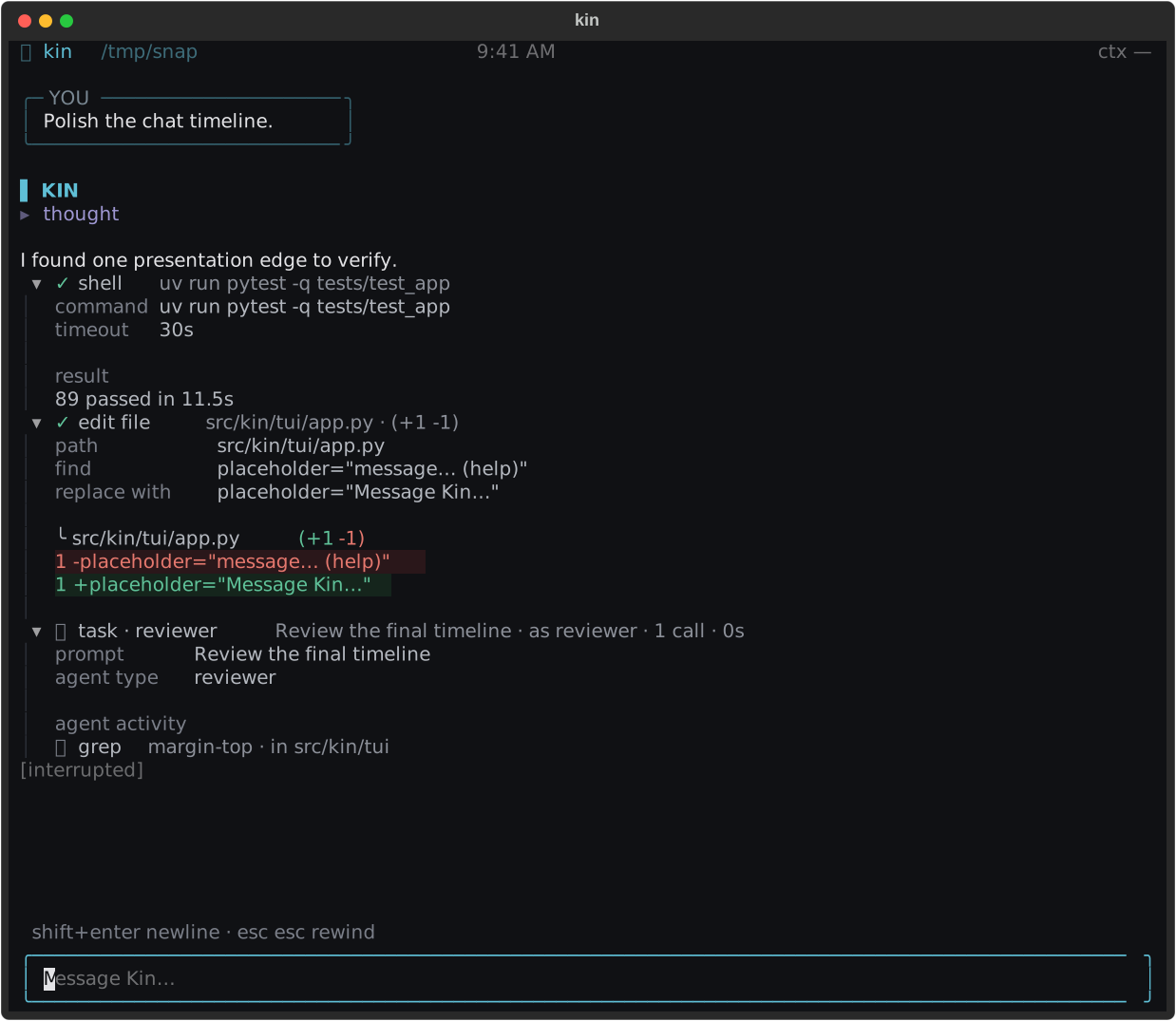
Linux · macOS · WSL2A native AI peer for the terminal. Kin works in your projects, uses the model providers you choose, and keeps tools, permissions, and session state close to the work.
bash <(curl -fsSL https://get.kinra.ai/install.sh)
Kin by Kinra
Kin works alongside you in the terminal, using the model providers you choose while keeping tools, permissions, and session state close to the work.
A native AI peer for the terminal. Kin works in your projects, uses the model providers you choose, and keeps tools, permissions, and session state close to the work.
bash <(curl -fsSL https://get.kinra.ai/install.sh)